Use left/right arrows to navigate the slideshow or swipe left/right if using a mobile device
Choosing a selection results in a full page refresh.
Press the space key then arrow keys to make a selection.
Why Is The VIN Important?
We use your VIN to verify the exact part number for your vehicle and to perform any required programming. If you enter an incorrect or incomplete VIN, our website may accept it, but we will contact you to verify it.
Where Can I Find My VIN?
Your vehicle registration
Your insurance card
On a sticker inside the door jamb on the driver's door
On the driver's side of the dash below the windshield
What if I Don't Have My Mileage?
We do not need exact mileage - you can provide an estimated mileage. Learn more about estimating mileage here.


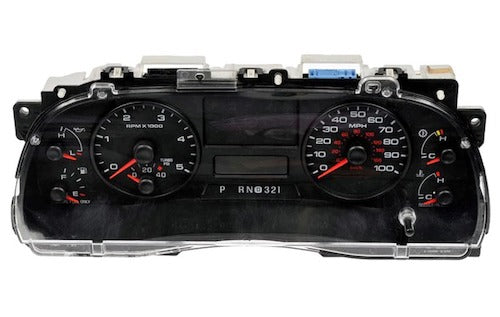 Is your 2005-2007 Ford F-250 instrument cluster in need of replacement? Don’t assume you'll need to take it to a dealership or repair shop to fix i...
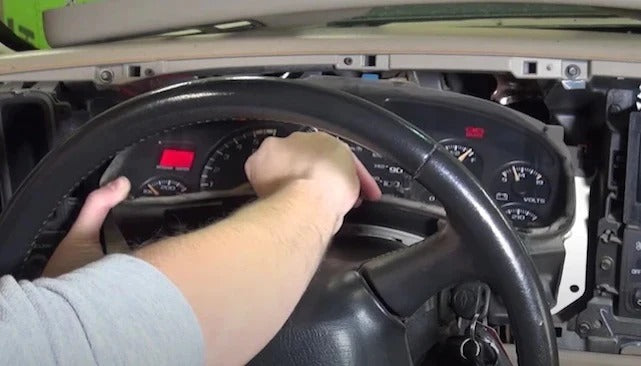 It’s hard to ignore when your instrument cluster gauges or dash lights stop working. Your car’s instrument cluster is critical to understanding wha...
 If your Ford Sync is glitchy or broken, you may consider replacing it with an aftermarket unit. But, as we'll explain, the best thing to do is repa...
 The Ford SYNC is one of the first modern OEM touchscreen infotainment and communication systems on the market. Beginning as a partnership between F...
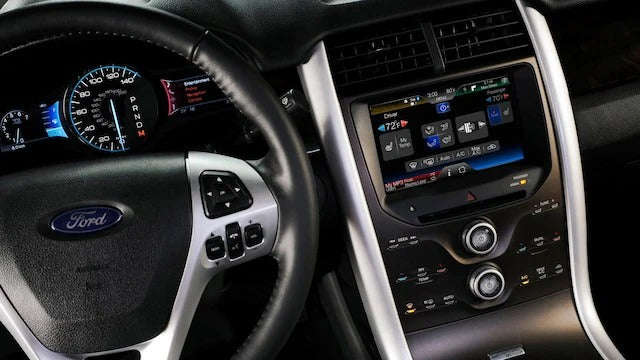 Ford's SYNC 3 offers a wide variety of settings and customizations to tailor the infotainment system to your personal preferences. But in addition ...
 Acceleration problems can be caused by various factors, but most commonly it is due to an issue with the throttle control computer, engine control...
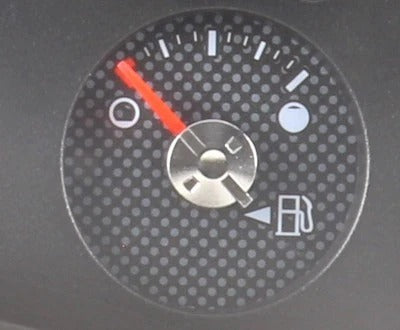 Your fuel gauge is the primary method of knowing just how much fuel you have left in the tank. It is also the only reliable way of determining how ...
 Ford’s SYNC 3 is a modern infotainment system offering great connectivity and features. Unfortunately, some units have an issue where the screen ca...
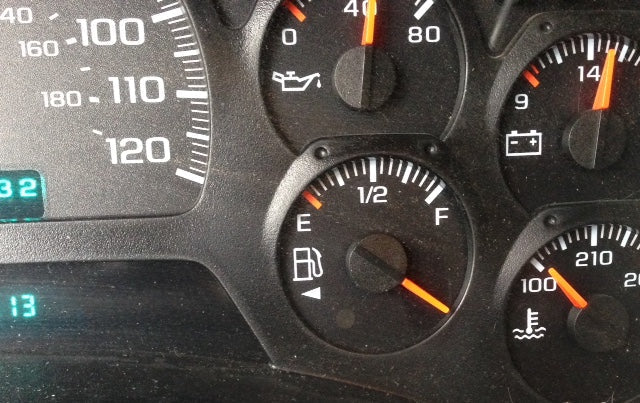 If your fuel gauge quits working, you're probably wondering if you can get by without it. Besides the obvious risk of running out of gas, you may a...
 Manufacture settings in the accelerator result in a slowed electrical response to the throttle. This means that when you step on the pedal, there ...
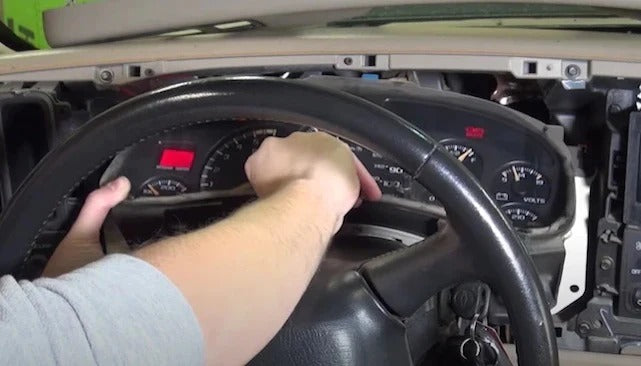 Upgrading your instrument cluster is a great way to personalize your car or truck. If your current cluster doesn't offer all the gauges you want, y...
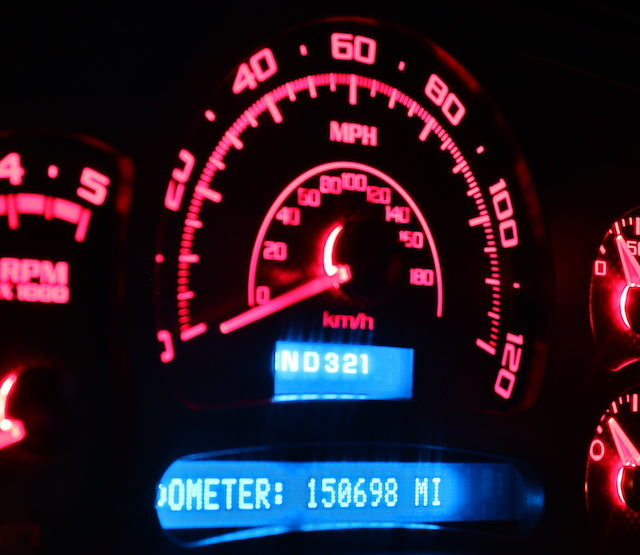 Your instrument cluster is an important part of your dashboard and it contains a wide range of information about your car’s health. It’s important ...


